
Free Chrome extension
Your Search.
Your Choice.
Search with the engine you trust. Change it any time with one click.
 No account required
- Free always
- Easy to use
- No set-up needed
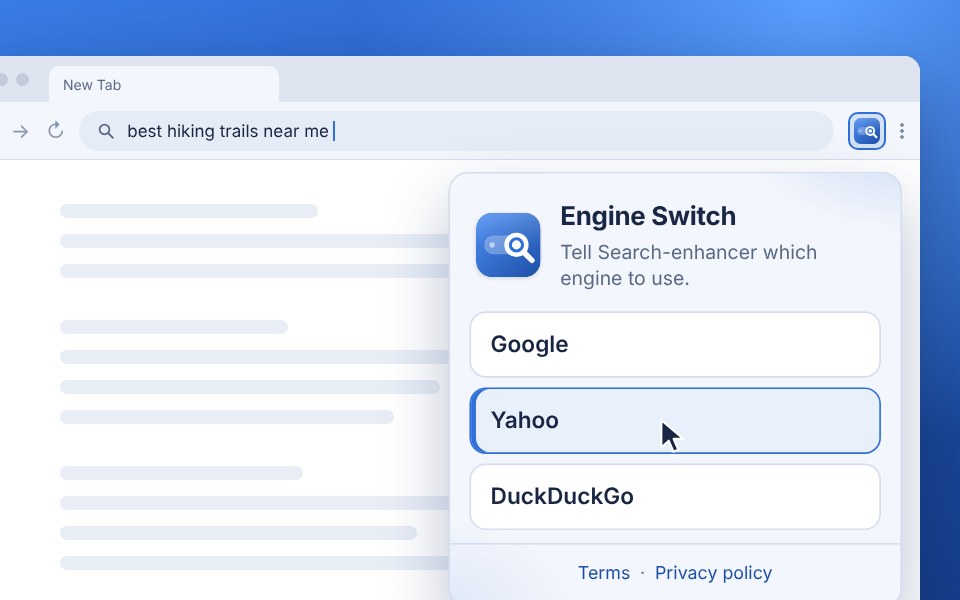
Engine Switch
What people say
-

“I love being able to search without sending every word to Google. It gives me more control over what they know about me.”

Eiden K.
-
“A friend recommended it, so I thought I’d give it a try. I’ve been using it ever since.”
Adrian M.J
-
“I appreciate that it keeps things simple instead of pushing AI into every search. I can just search the way I want.”
Aron M.
-
“There was no complicated setup, it worked straight away. I can choose the search engine I prefer and switch whenever I want.”

Oxan D.
How it works
Three steps
-
Click “Add to Chrome”
Click the orange button on this page. It opens the Chrome Web Store.
-
Install it from the Chrome Web Store
Click “Add to Chrome” in the store, then click “Add extension”.
-
Choose your engine
Click the Engine Switch icon in Chrome and pick your search engine. You are ready to search.
Fast switches
Change engines without digging through Chrome settings.
Easy search
Engine Switch sends your searches to your selected engine on the go.
Free for everyone
No account, no payment. Just easy search with your selected engine.
Engine Switch
One toolbar. Your preferred search engine.
Open the toolbar popup, pick an engine, and keep searching from the address bar.
Add to Chrome - It's Free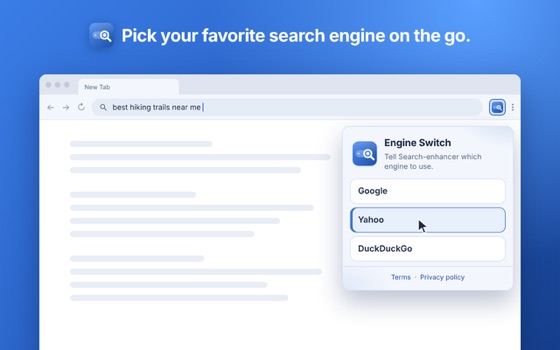
About
About Engine Switch
A Chrome extension that puts a preferred search engine on the toolbar and routes address-bar search. Engine Switch is operated by Onchain Ltd.
Independent product. Not made by, sponsored by, or affiliated with any third-party search provider.
Add to Chrome - It's Free